Get started
shippingNET is a client-managed system. In general, a username and password are required to log in. After logging in, shippingNET displays the home screen.
On the home screen, all the areas for which you have access permissions are listed.
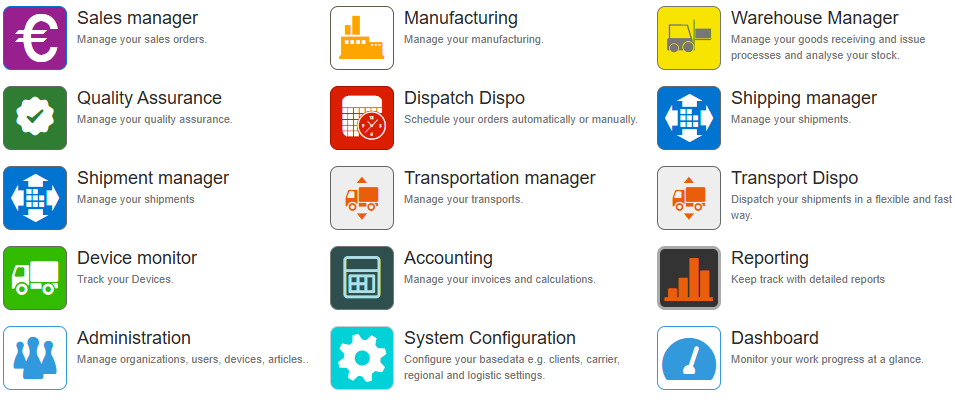
All areas in shippingNET share the same structure. Essentially, there are two main views:
- the list view, used to display, search, and sort records
- the edit view, used to display and modify a record in detail.
Whether you can view or edit a record depends on your access permissions.
In addition, there are views that can be highly customized for various processes.
For example: depending on whether shipments are being scheduled for transport, goods are being received in the warehouse, or items are being picked, there are different process steps that can be individually configured. This ensures that the user interface displays exactly what is relevant to your task, making it easy to follow your specific workflow.
Links to further information
The following table lists some of the common features and provides links to articles that describe them.
Note
In addition to the general features described in this section, you can use other business-related features. For more information, see Business Features.
| Topic | Go to |
|---|---|
| Login & Access | On shippingNET web app or mobile app |
| Main view | Main view Web App or Mobile App |
| Working with Lists | Working with Lists |
| Working with Editors | Working with Editors |
| Working mit Lookup-field | Working with Lookup-field |
| Personalize Views | Manage Views |