List of articles
Items are the basis of your business, the goods or services you trade. Each product must be registered as an item.
Items manage the information needed to purchase, store, deliver, and bill items.
An item is a SKU (Stock Keeping Unit). The item is uniquely identified by the item number. The master data describes the article properties and defines the criteria for inventory management.
An item can be structured as a parent item with underlying child elements in BOMs.
If you purchase the same item from more than one supplier, you can enter the identification (barcode, item number) for each supplier.
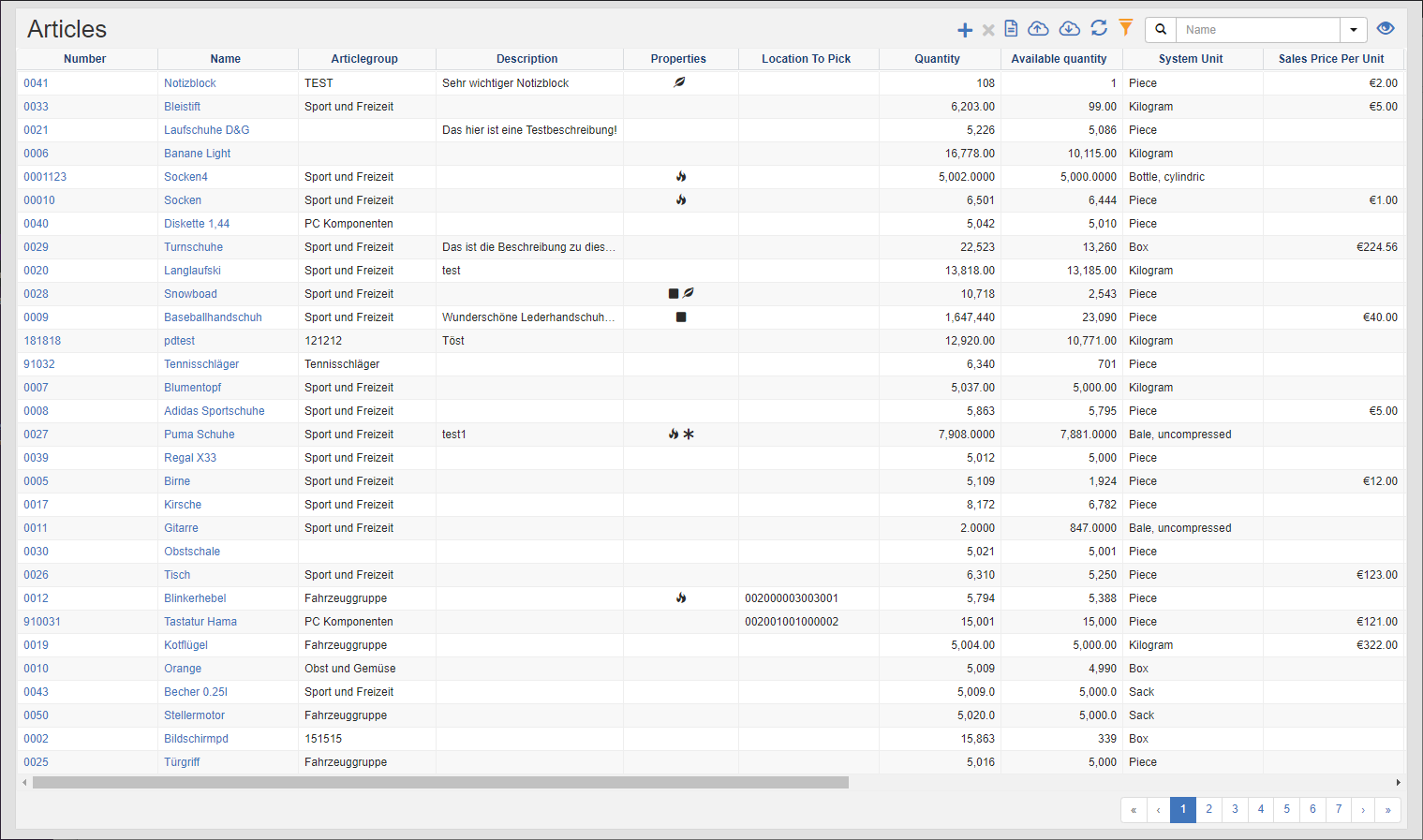
In the article list, you can see the list of all articles whose responsible department corresponds to the master data filter.
Tip
Master Data Filter: You can see the master data of the department to which you are logged in and all those that are on the direct path to the top.
See also Master Data Filter
Actions in the title bar
Special Promotions
| Symbol | Function | more information |
|---|---|---|
| Create new items: Create new items. | Article editor | |
| Delete selected records: Delete multiple items in batch. | Delete article | |
| Create documents | Create Documents | |
| Import: Import items from Excel. | Import Data |
General List Actions
| Symbol | Function * | more information |
|---|---|---|
| Export: Exports the data to Excel. | Export Data | |
| Update: Updates the current list. | Working with Lists | |
| Filter: Set criteria that limit the number of records in the current list. | Working with Lists | |
 |
Quick Search: Searches the list by the default criterion. | Working with Lists |
| Views: Switch or create views. | Switch Views edit views |
* Attention: Depending on the context, not all actions are always available!
Delete selected articles
This feature allows you to delete multiple items. The articles will only be set inactive.
Procedure:
- Select the items you want to delete from the item list. To select multiple records, hold down the CTRL key.
- In the title action bar, click on the action Delete selected records.
- The system checks whether there are still open orders with the selected items. If you confirm the dialog, the items will be set to inactive.
Recover Deleted Items
- Remove the **Active" filter in the item list and search for the item.
- Click on the link, the article editor will open.
- In the action bar on the right, select Restore.
The article is now active again and can be used in all other functions.