Public API
The Public API of shippingNET is a state-of-the-art web API in REST architecture ("Representational State Transfer").
Prerequisites
- A shippingNET system.
- Configuration of the organizational structure with stored business partner number (BusinessPartnerNumber). See also: Create Organization.
- Postman to send sample requests (Free tool: https://www.postman.com/downloads/).
- Credentials for authentication of requests.
Get credentials
- In the main view, navigate to the System Configuration menu item.
- In the Organization section, click on the API sub-item.
- In the Credentials section, you will find the parameters for authentication:
All you need is the api-key: This is a compound key that combines the ClientID, OrgUnitID and OrgUnitGUID.
Example request for article creation with Postman
To import item data, proceed as follows.
- In the main view, navigate to the menu item System Configuration.
- In the Organization section, click on the API sub-item.
- In the APIs section, click Article in the list of available APIs.
- You will now see the documentation for the Article API with the available methods and their request structure.
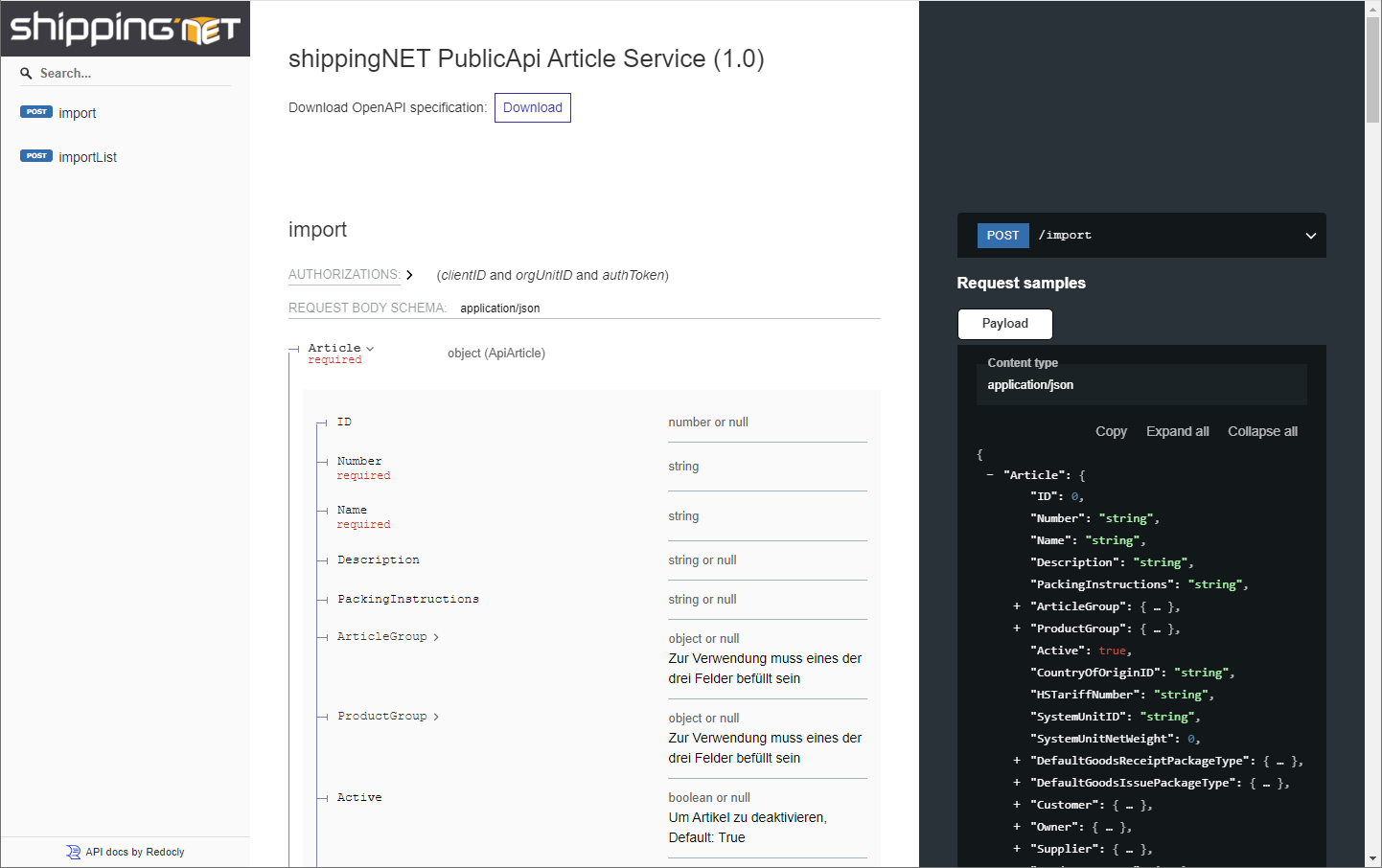
- Click on the Download action and save the OpenAPI specification for the article service locally to your PC.
- Open the Postman program and import the file. To do this, click on the Import action under Workspaces/My Workspace in Postman and select the file.
- Now enter the credentials in the shippingNET PublicApi Article Service collection. For versions prior to 24.1.0.0, set the client-id, orgunit-id, and auth-token values under Variables. As of version 24.1.0.0, you only set the apiKey under Variables.
- Edit the request under the Body tab and enter the desired item information. See also Article Fields.
- Finally, click on the Send action to the right of the address to perform the import.
Tip
Start with a minimal set of fields and gradually expand the data to be transferred!
Tip
Some fields require codes or IDs to be passed. These values are related to the activation of various master data in the system configuration. The list of codes and their meaning can be found in the System Configuration in the Organization section in the API subitem. In the Description section, click on Shipment Overview.
If the request is successful (status code 200), the fields requested in the body will be returned.
'''json:
{
"Article": {
"ID": "
In the event of an error (status code 500), you will receive the cause of the error in the following form:
'''json:
{
"ExceptionCode": "